01
Let your voice set the pace
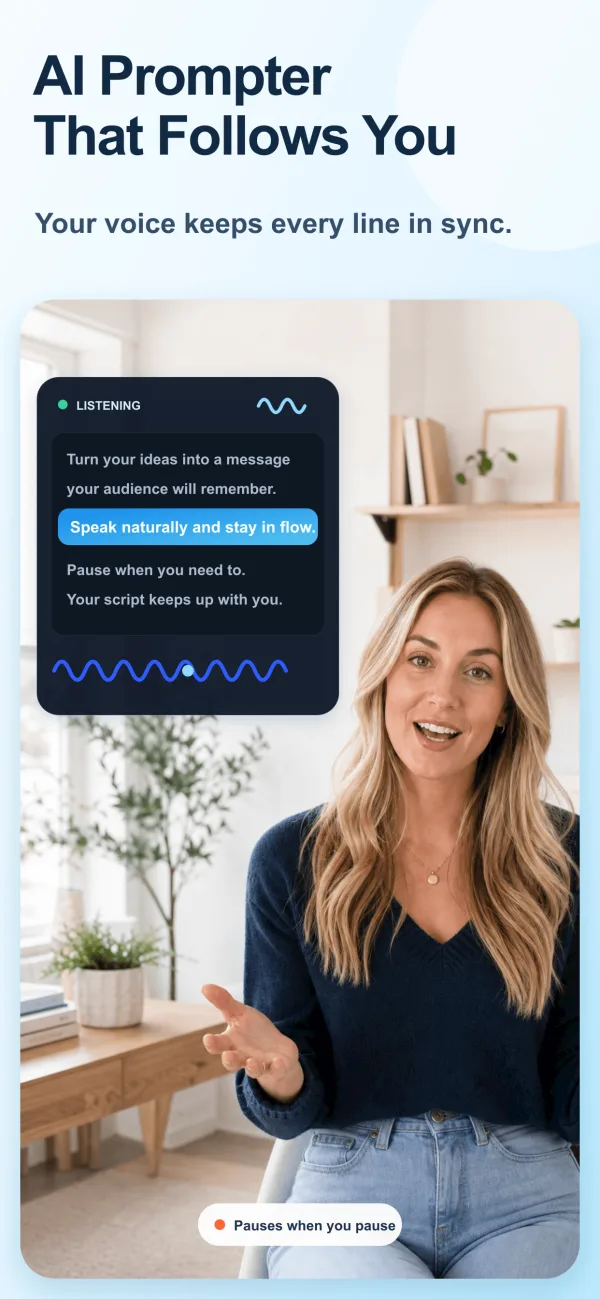
Speak, pause, emphasize, or briefly improvise. Voice Sync keeps the current line near your natural speaking position.
AI teleprompter for iPhone and iPad
Keep your script moving at your pace—not a timer’s. ScrollVox helps you look toward the lens, speak naturally, and finish confident videos with fewer retakes.
Why voice control matters
A fixed-speed teleprompter asks you to keep up with the screen. That can make pauses feel rushed, emphasis feel mechanical, and small changes hard to recover from.
ScrollVox reverses that relationship. Voice Sync listens for your place in the script, advances while you speak, and waits when you stop—so your timing stays human.
One teleprompter, three workflows
Speak, pause, emphasize, or briefly improvise. Voice Sync keeps the current line near your natural speaking position.
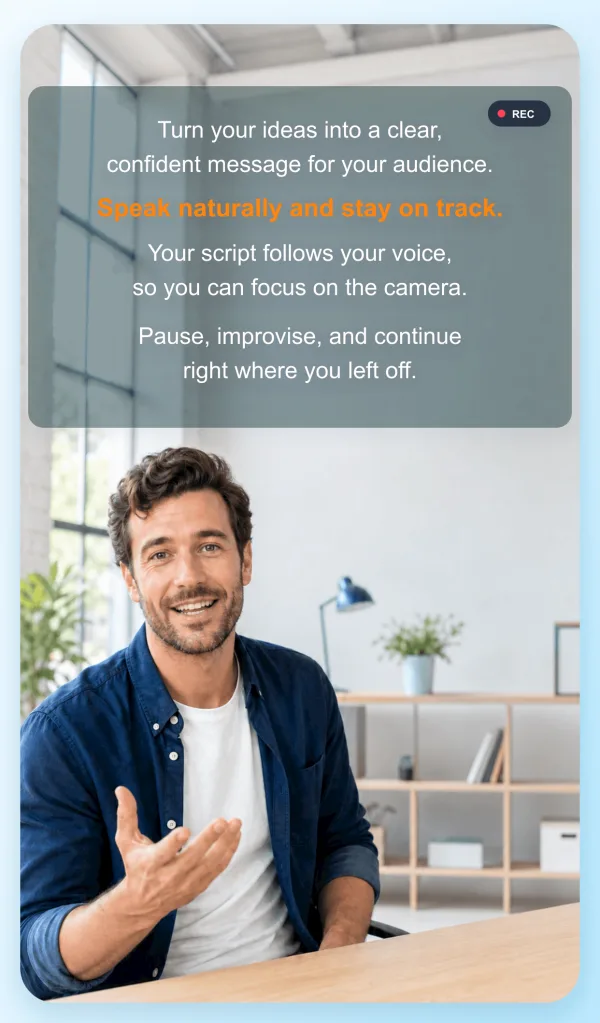
Keep words close to the lens while using supported camera, social, streaming, or meeting apps.
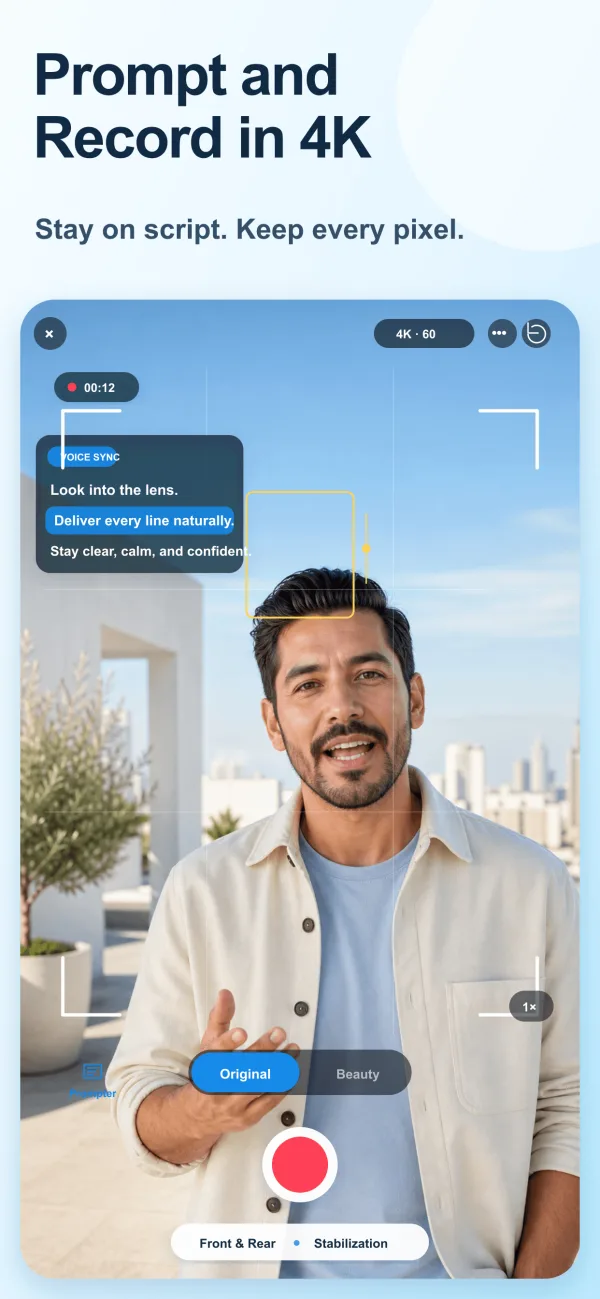
Use the built-in camera for 4K recording, flexible ratios, mirror mode, and optional natural beauty controls.
A simple recording workflow
Write or paste your words, import a document, or extract text from shared media.
Adjust the font, line spacing, width, colors, and position so the current line sits close to the lens.
Use voice control for flexible delivery, or set a consistent scroll speed when exact timing matters.
Deliver one clear idea at a time, leave clean pauses, and repeat only the sections that need another take.
Voice Sync or fixed speed?
Both modes are useful. The difference is whether your delivery should control the script or follow a planned duration.
| When you need | Voice Sync | Smooth Scroll |
|---|---|---|
| Natural pauses and changing pace | Best fit | Limited |
| A precise planned duration | Flexible | Best fit |
| Skipping or improvising briefly | Best fit | Manual recovery |
| Music, silence, or no spoken script | Not ideal | Best fit |
Made for real recording days
Tutorials, reviews, explainers, and long-form videos with a repeatable setup.
Keep hooks, key points, and calls to action clear without memorizing every word.
Stay on message during pitches, product demos, remote meetings, and live sessions.
Teach structured material while keeping your attention on the learner and camera.
Learn the workflow
Prepare your script, set up Voice Sync, and let ScrollVox follow your pace.
02Use better writing, eye-line, pacing, and rehearsal to sound like yourself.
03Build a repeatable setup for camera placement, audio, lighting, and scripts.
AI teleprompter questions
A teleprompter app displays your script on a phone or tablet while you speak or record. It helps you keep your message organized and your eyes closer to the camera.
ScrollVox listens for the words in your script and advances as you speak. It can wait during pauses and continue when it recognizes where you resume.
Yes. The floating teleprompter can stay above supported camera, social, streaming, and meeting apps so the current line remains close to the lens.
Yes. ScrollVox includes a camera for prompting and recording in one workflow, with 4K options, mirror mode, flexible ratios, and optional beauty controls.
ScrollVox is currently available for iPhone and iPad through the Apple App Store.
Ready for a more natural take?