
Presentations
Presenters delivering keynotes, business updates, sales pitches, training sessions, webinars, and recorded presentations.
USE CASE
Deliver presentations, live webinars, product demos, and audience Q&A with clear cues near the camera.
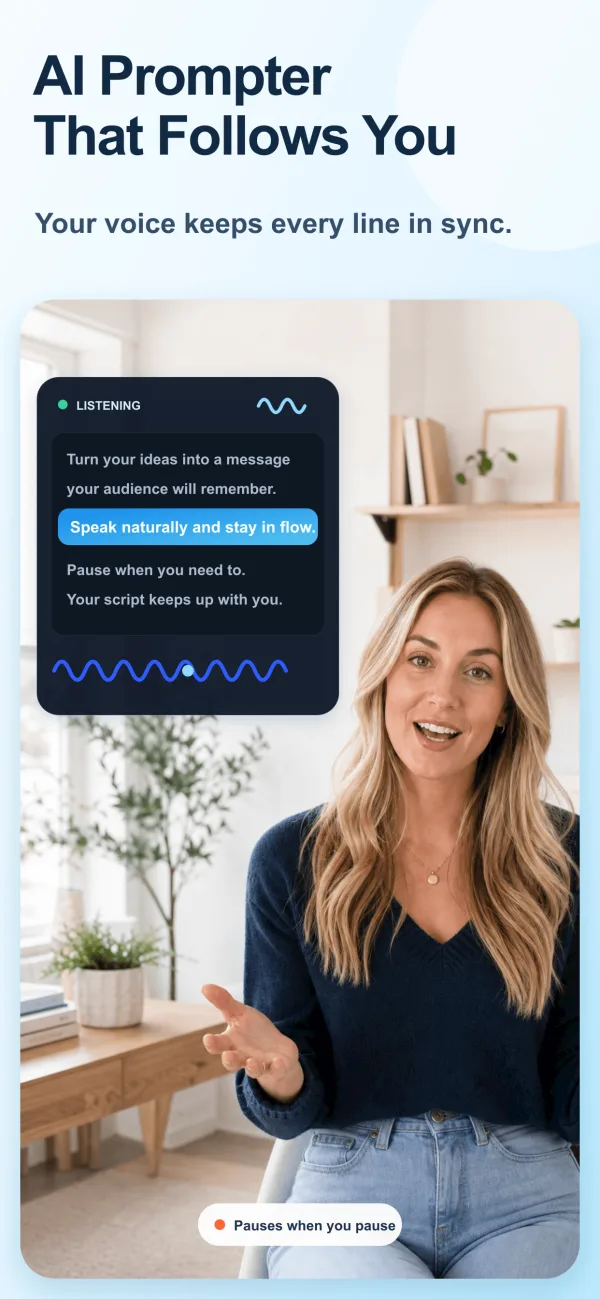
Built for this workflow
Speakers, trainers, founders, and sales teams can use the same near-lens workflow for live and recorded delivery.
Presenters delivering keynotes, business updates, sales pitches, training sessions, webinars, and recorded presentations.
Educators, marketers, founders, and trainers delivering live or recorded webinars.
A practical script structure
Keep prompts at eye level and use short cue-like paragraphs. Put slide changes, demos, question breaks, numbers, and names in visually distinct brackets.
Common mistakes to avoid
Do not copy every word from the slides or force one fixed pace through audience questions. The script should support the spoken story while slides carry visual evidence.
Keep the prompt close to the webcam, mark slide and demo changes, and write recovery lines for returning after questions.
Common mistakes to avoid
Do not use one fixed scroll speed for a webinar with audience interaction. Pauses and questions make the timing variable.
Choose how the script moves
Voice Control is useful when you need to pause, emphasize a point, or adapt a sentence without chasing a fixed scroll speed.
Fixed speed is useful for rehearsed intros, sponsor reads, or segments with a defined duration. Rehearse once and leave room for pauses.
FREE TOOL
Calculate script duration from word count and speaking pace.
Recording checklist
Frequently asked questions
No. Use the script as a delivery guide and rehearse the opening, transitions, and closing so your eyes can return naturally to the lens.
Use Voice Control for flexible delivery. Use fixed speed when the section has predictable timing and you have rehearsed it.
Platform names are used only to describe recording workflows. ScrollVox is not affiliated with these platforms.