
USE CASE
Teleprompter for Online Courses and Training
Teach structured lessons with a script that keeps definitions, demonstrations, transitions, and summaries easy to deliver near the camera.
Built for this workflow
For educators building clear courses and training
Course creators, teachers, trainers, and subject-matter experts recording lessons, modules, onboarding, and professional training.
Screen or product demonstrations
Module introductions and summaries
Recorded onboarding and compliance training
A practical script structure
- State the lesson outcome and what learners need first.
- Explain one concept per section with a concrete example.
- Mark every slide, screen, or demonstration change as a cue.
- Close with a recap, practice task, and the next lesson.
Set up the prompt for the recording
Record one lesson section at a time. Keep the prompt close to the camera, write exact definitions and numbers as full sentences, and use short cues for demonstrations so you can look away from the script when showing a process.
Common mistakes to avoid
Do not turn a written manual into a spoken lesson. Dense definitions, long lists, and instructions that appear before the matching visual make the presenter sound detached from what learners see.
Choose how the script moves
Teleprompter for Online Courses and Training
Use Voice Control when timing can change
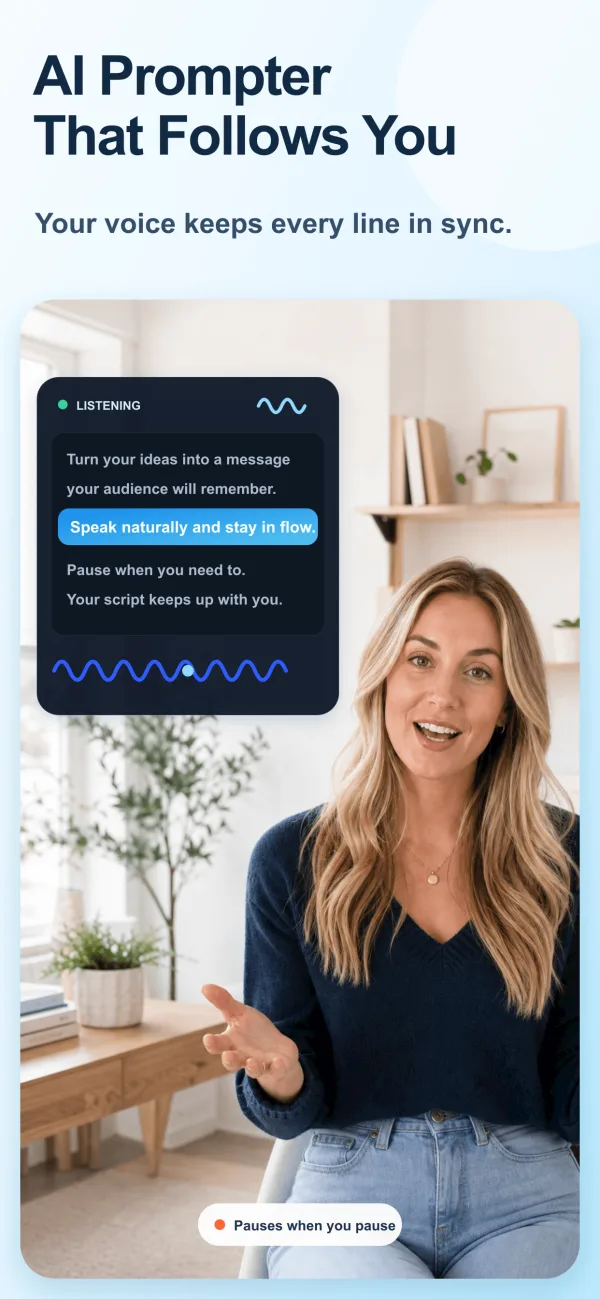
Voice Control is useful when you need to pause, emphasize a point, or adapt a sentence without chasing a fixed scroll speed.
Use fixed speed for tightly timed sections
Fixed speed is useful for rehearsed intros, sponsor reads, or segments with a defined duration. Rehearse once and leave room for pauses.
FREE TOOL
Free Video Script Timer & Length Calculator
Calculate script duration from word count and speaking pace.
Recording checklist
- Put the active line close to the camera lens.
- Use short paragraphs and visible transitions.
- Read the opening and closing aloud before recording.
- Leave a clean pause before and after each section.
Frequently asked questions
Do I need to memorize the full script?
No. Use the script as a delivery guide and rehearse the opening, transitions, and closing so your eyes can return naturally to the lens.
Should I use Voice Control or fixed speed?
Use Voice Control for flexible delivery. Use fixed speed when the section has predictable timing and you have rehearsed it.
Platform names are used only to describe recording workflows. ScrollVox is not affiliated with these platforms.